Dominator
Predefined mouse patterns. Tuned by you. Driven through your hardware.
A Windows pattern mouse controller — speed and sensitivity dialed in for your hardware setup.
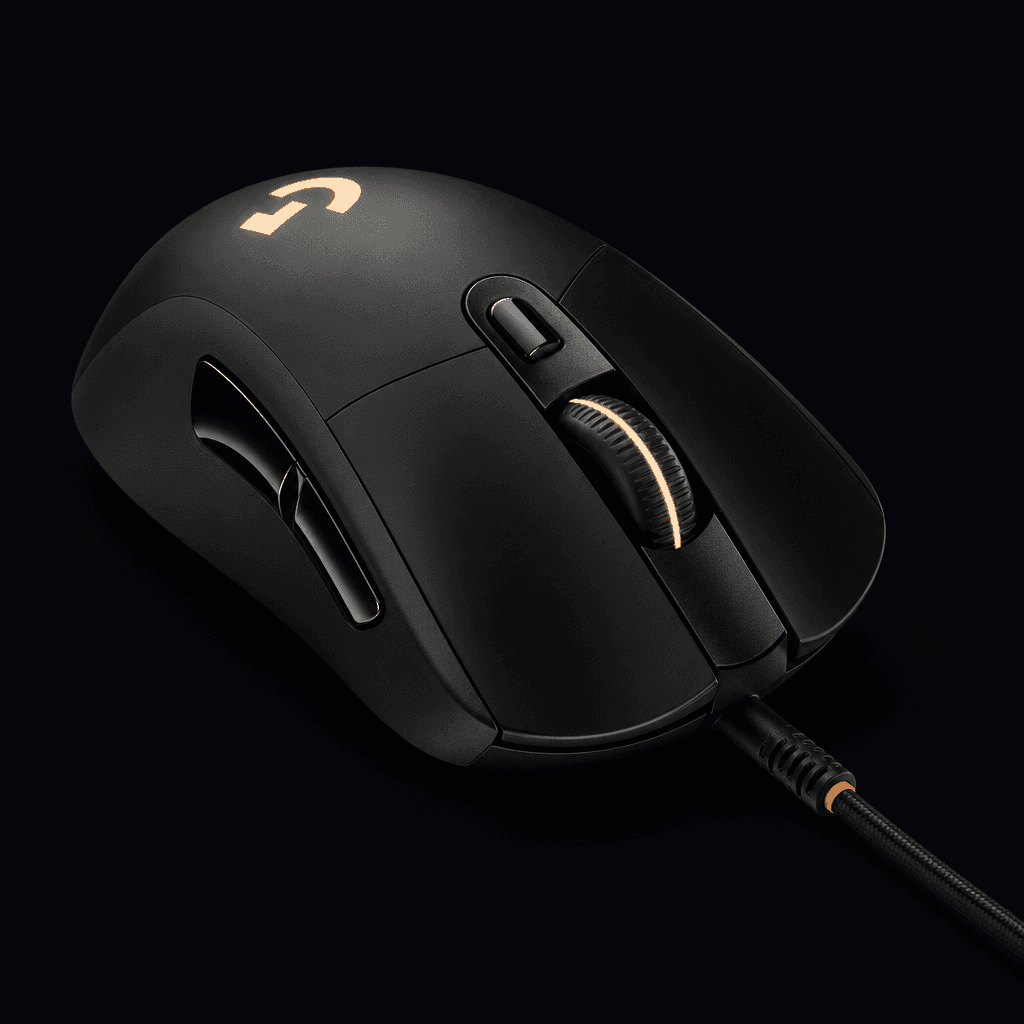
Predefined mouse patterns. Tuned by you. Driven through your hardware.
A Windows pattern mouse controller — speed and sensitivity dialed in for your hardware setup.
About
Dominator is a Windows pattern mouse controller. You select a predefined mouse-movement pattern, tune speed and sensitivity for your setup, and the app drives those movements through your supported hardware.
Anyone who wants a Windows pattern mouse controller — pick a predefined movement, tune speed and sensitivity, and let the app drive it through your hardware.
Demo
Side-by-side spray patterns — raw recoil on the left, the same setup with Dominator on the right.
The app
Predefined patterns, hotkeys, and speed/sensitivity tuning in one place. Pick a profile and run — that's the loop.
Built for the G403 + Leonardo stack
Hotkeys change the active movement pattern without leaving your workflow.
Dial in how each pattern runs — settings stay with the profile you select.
Patterns run through your supported stack so motion matches the setup you built.
Setup
Subscribe only if you have this stack. Buy each part from a retailer — Dominator does not sell the hardware.
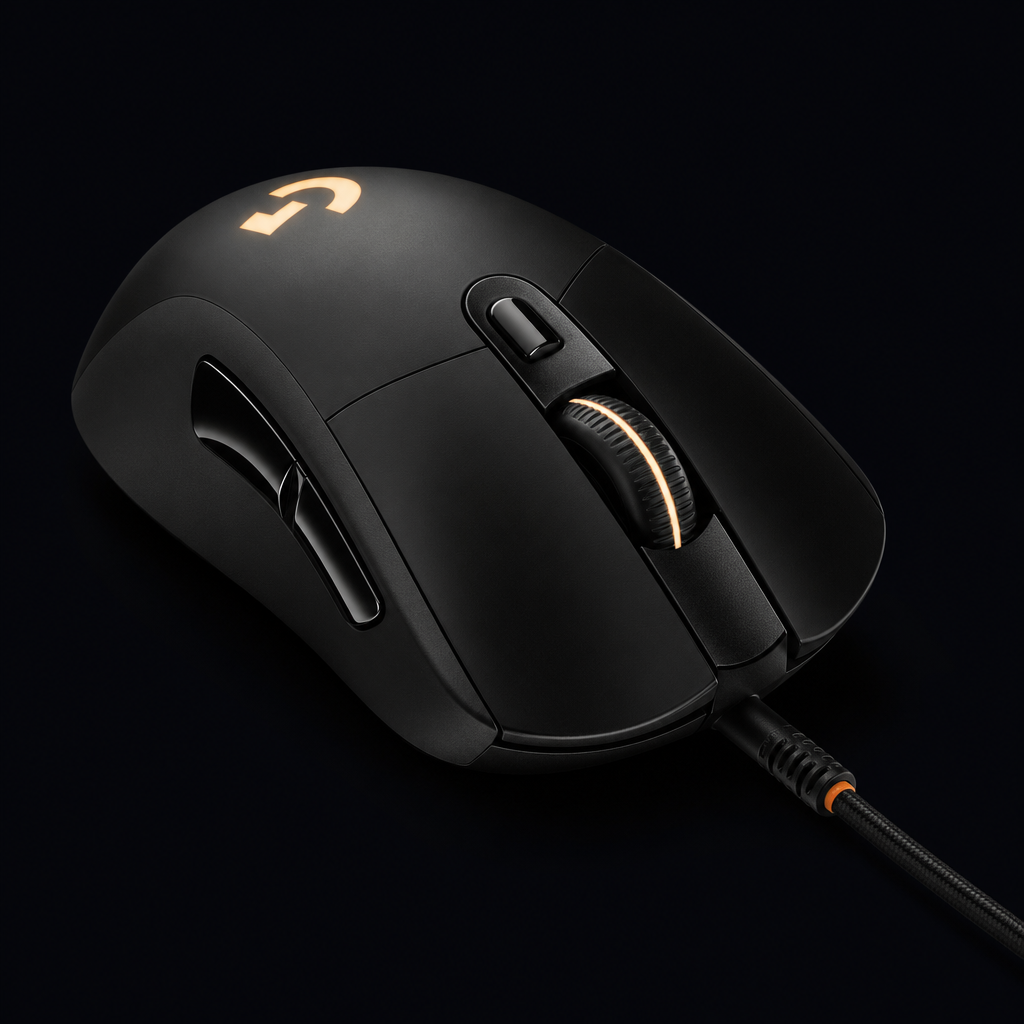
Wired G403 HERO on the Host Shield USB port (passthrough to your PC).
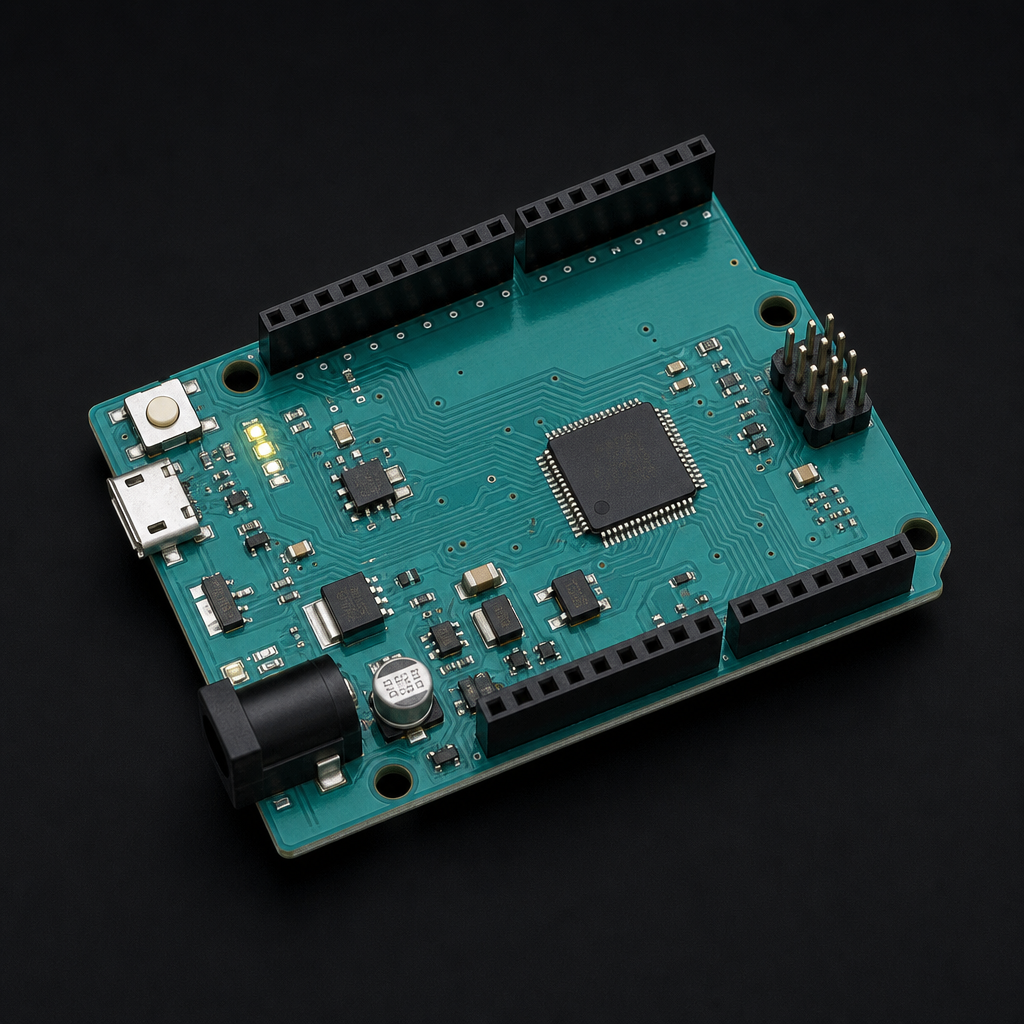
Leonardo R3 microcontroller development board — the USB HID bridge Dominator uses with your mouse.
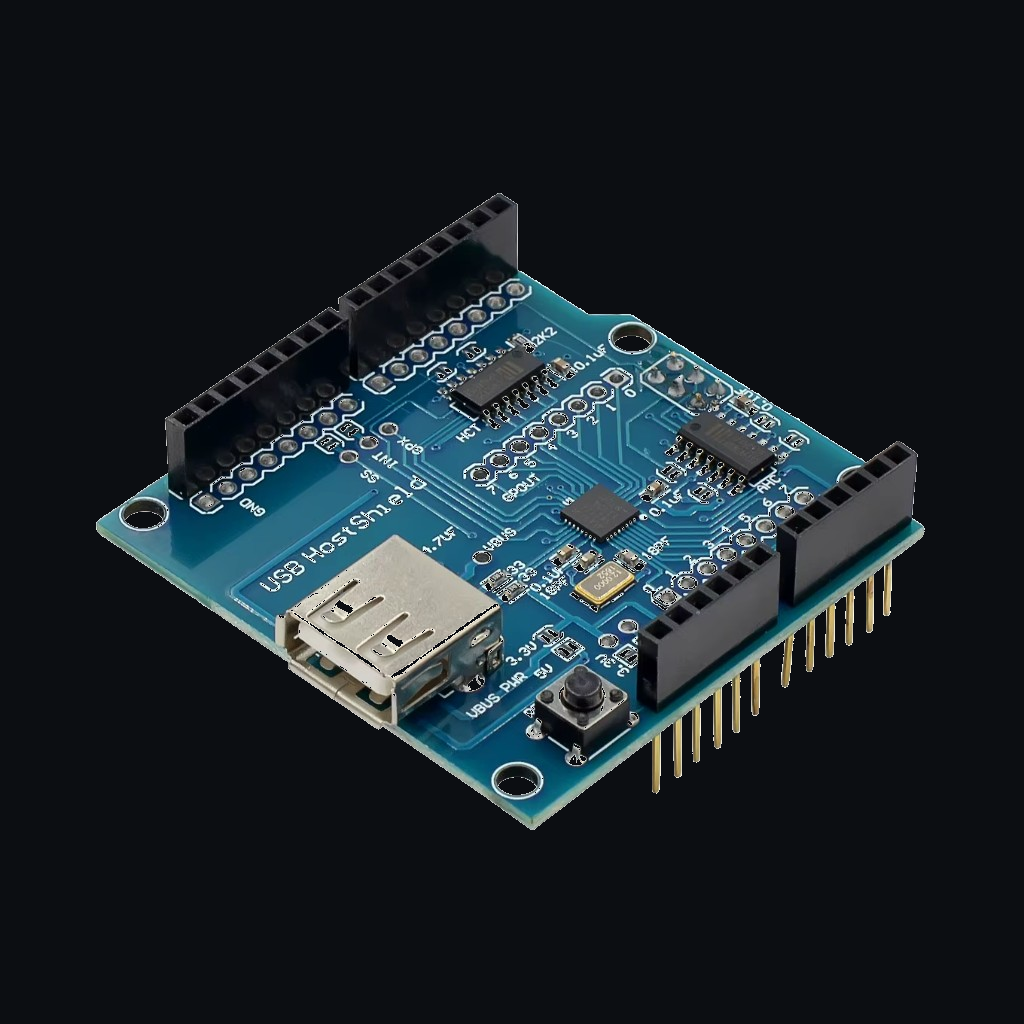
Stacked on the Leonardo so the mouse plugs into the shield, not the PC. Must be pre-soldered (headers already installed) — unsoldered boards will not work out of the box.
Pricing
Start with a free 24-hour demo, then subscribe for full access. Cancel anytime from your dashboard — paid access lasts through the billing period.
You get:
$15/ month
Billed through Stripe. Free 24-hour demo available after you create an account.
FAQ
Yes. Dominator is built for a wired Logitech G403 HERO on a USB Host Shield 2.0 stacked on a Leonardo R3 microcontroller development board. Other mice and boards are not supported.
Access to the Dominator Windows pattern mouse controller and its predefined movement patterns, with tunable speed and sensitivity. New accounts can also start a one-time 24-hour demo before subscribing. Cancel anytime from your dashboard.
Yes. After you create an account, you can start one 24-hour demo from My Access. When the demo ends, Dominator locks until you subscribe. The demo can only be used once per account.
Yes. Cancel anytime from billing in your dashboard. Without a refund, access continues through the end of the paid month.
You may request a refund within 1–2 days of purchase. Refunds are reviewed case by case and are not automatic. If a refund is granted, Dominator access ends immediately.
Dominator runs as an external hardware setup—not injected into the game. Still, game publishers may treat tools like Dominator as a terms-of-service violation. You assume that risk; Dominator is not liable for bans, suspensions, or related account losses. Details are in our Terms of Service.